ARMOR® Call Protection helps identify and resolve spam flags, but it does not prevent carriers from re-flagging numbers based on consumer responses to calling behavior in the future. Ongoing monitoring and remediation are part of maintaining your number’s reputation.
For ProtectPlus only: If your plan includes the ARMOR® Dashboard and call performance analytics, we will be able to point out specific call patterns that contribute to spam flags as well as why carriers may decide to reject remediation of those flags.
Carriers use a variety of factors to determine the likelihood that a phone call is spam, including call volume, answer rates, call patterns, and end-user feedback (such as spam reports). ARMOR® Call Protection works to remediate flags, but dialing practices can impact how often flags occur.
How quickly a flag clears is in the carriers’ control and every case is different — it usually takes between 3 days to 3 weeks of back and forth engagement with the carrier(s).
Here are a couple of resources to help you understand why your number gets labeled as spam and what you can do to prevent it from happening
Our team begins remediation once we have everything we need from you.
If you signed up and did not complete your account setup, please log back in to your ARMOR account at armorhq.com and complete the missing steps.
Once onboarded, you'll receive a welcome email confirming your number is active and receiving protection. Reputation reports begin on the next scheduled send day (Monday, Wednesday, or Friday).
ARMOR® Call Protection does not handle CNAM updates. Only the provider that issued your phone number can change what name displays when you call.
For your CNAM to be updated, several steps need to occur. First, ensure through testing your numbers on ARMOR that your desired name appears. Second, if your desired name does not appear, please send the following email to your originating service provider (carrier or UCASS/dialer.) "We would like to request that our CNAM entry for number (XXX0 XXX-XXXX be updated to 'ABC CO' and we are asking for confirmation of receipt of this request AND confirmation that the request has been updated in all relevant CNAM and LIDB data providers." Once your request to your originating service provider has been submitted, it can take up to two weeks for CNAM to appear properly on mobile devices. Please note: CNAM differs from Branded Caller ID services and is limited to 15 characters in length.
Go to armorhq.com and click on login. Once you add your email address, you will receive a verification code to your email. Use that code to complete your login.
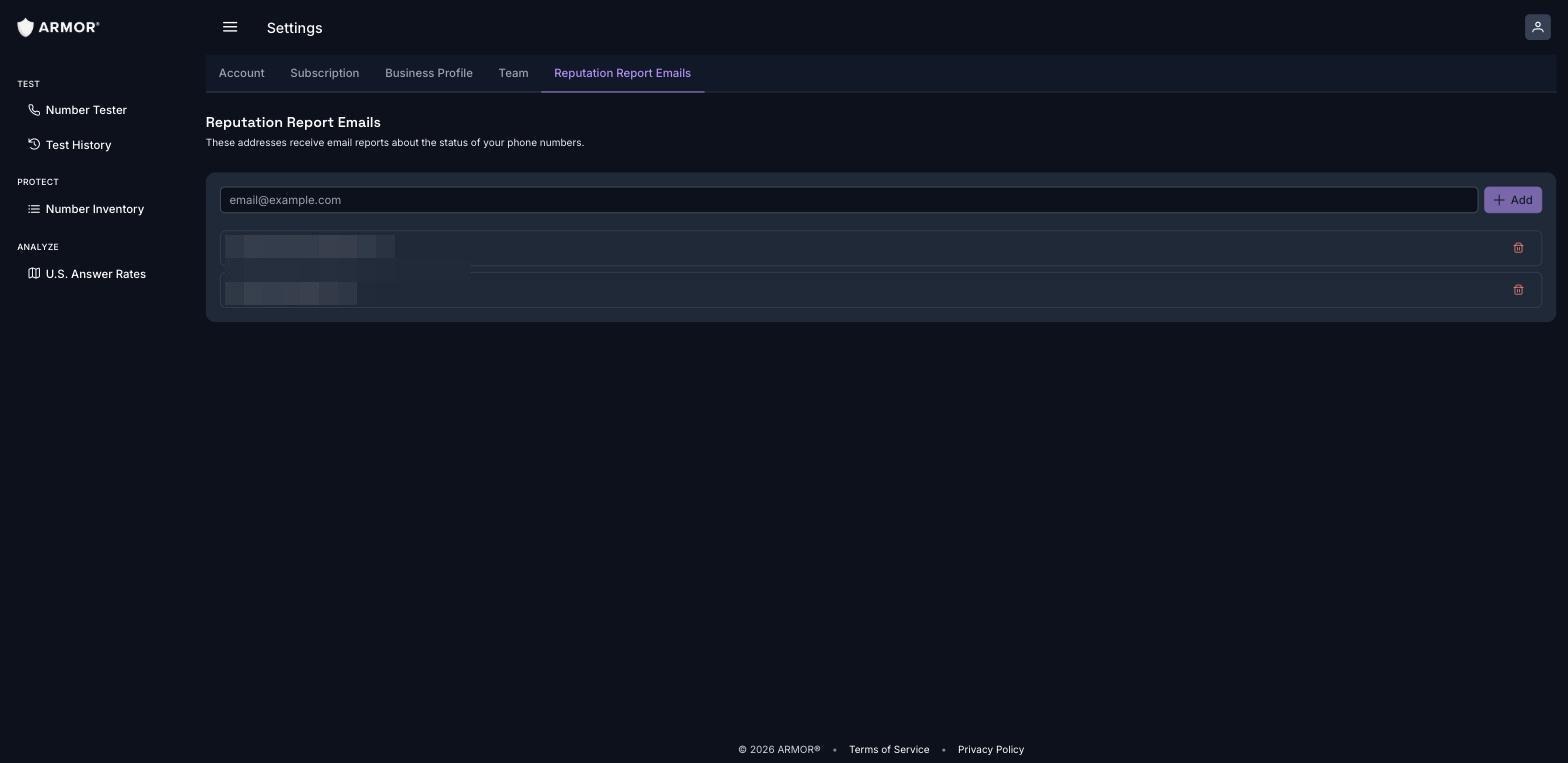
Report emails are sent to the addresses listed under Settings → Reputation Report Emails ("These addresses receive email reports about the status of your phone numbers"). You can add or remove recipients there at any time.
Your ARMOR Protect subscription includes 10 on-demand tests per billing period. Each test checks how your calls appear at that exact moment on real devices across AT&T, T-Mobile, and Verizon.
To test a number right now:
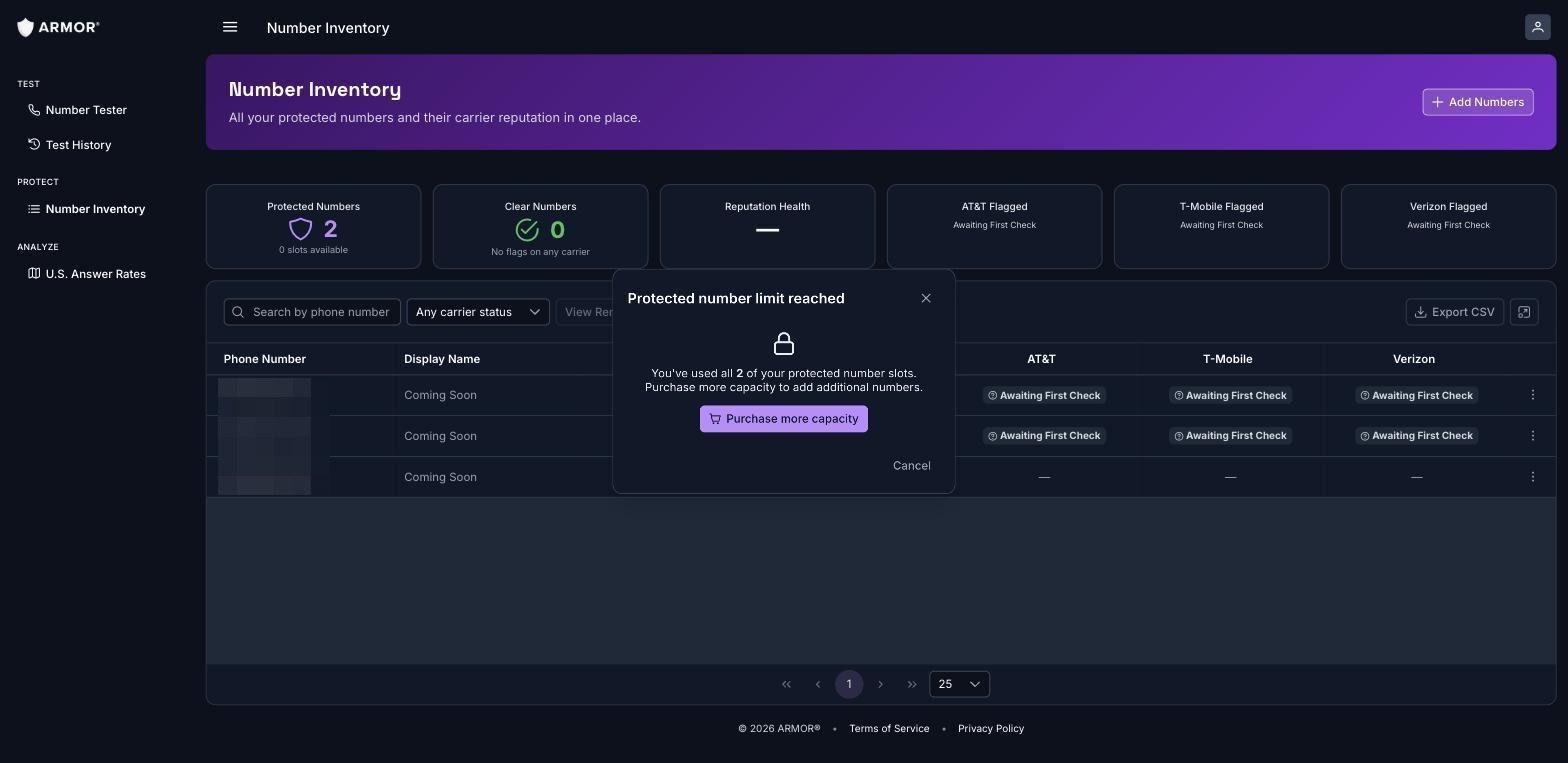
Alternatively, if you want to test one of your protected numbers, you can also test from your Number Inventory, click the ⋮ menu on the number's row, and choose Test Now.
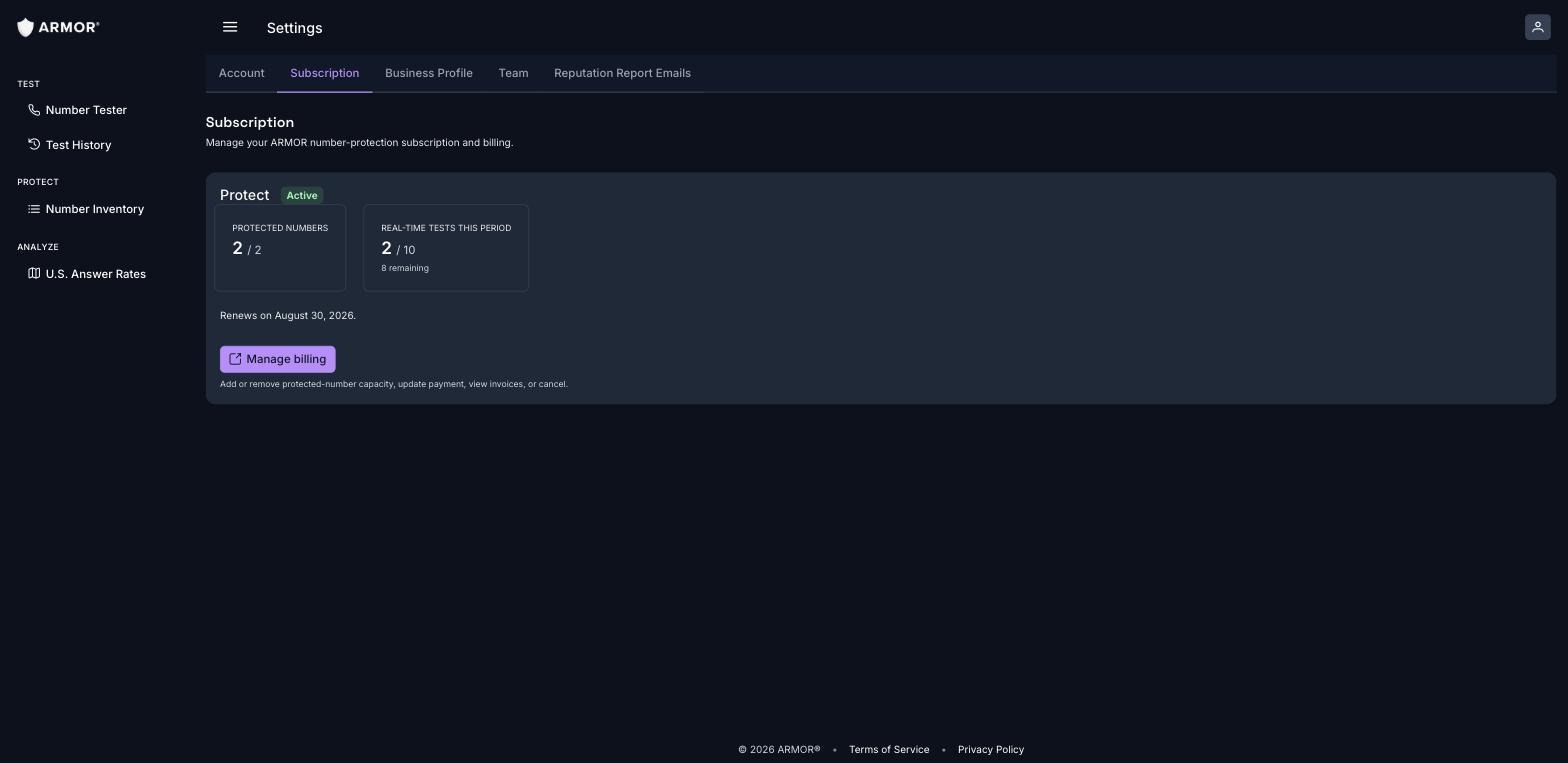
What the monthly allowance means: each completed test uses 1 of your 10 credits. Your remaining balance is shown under Settings → Subscription ("10 of 10 free tests left this month" — e.g., 2/10 used, 8 remaining).
When credits reset: your allowance resets to 10 at the start of each billing period, on your monthly renewal date. Unused tests do not carry into the next billing period, and once all 10 are used, testing is unavailable until your renewal date. The counter then resets to 10.
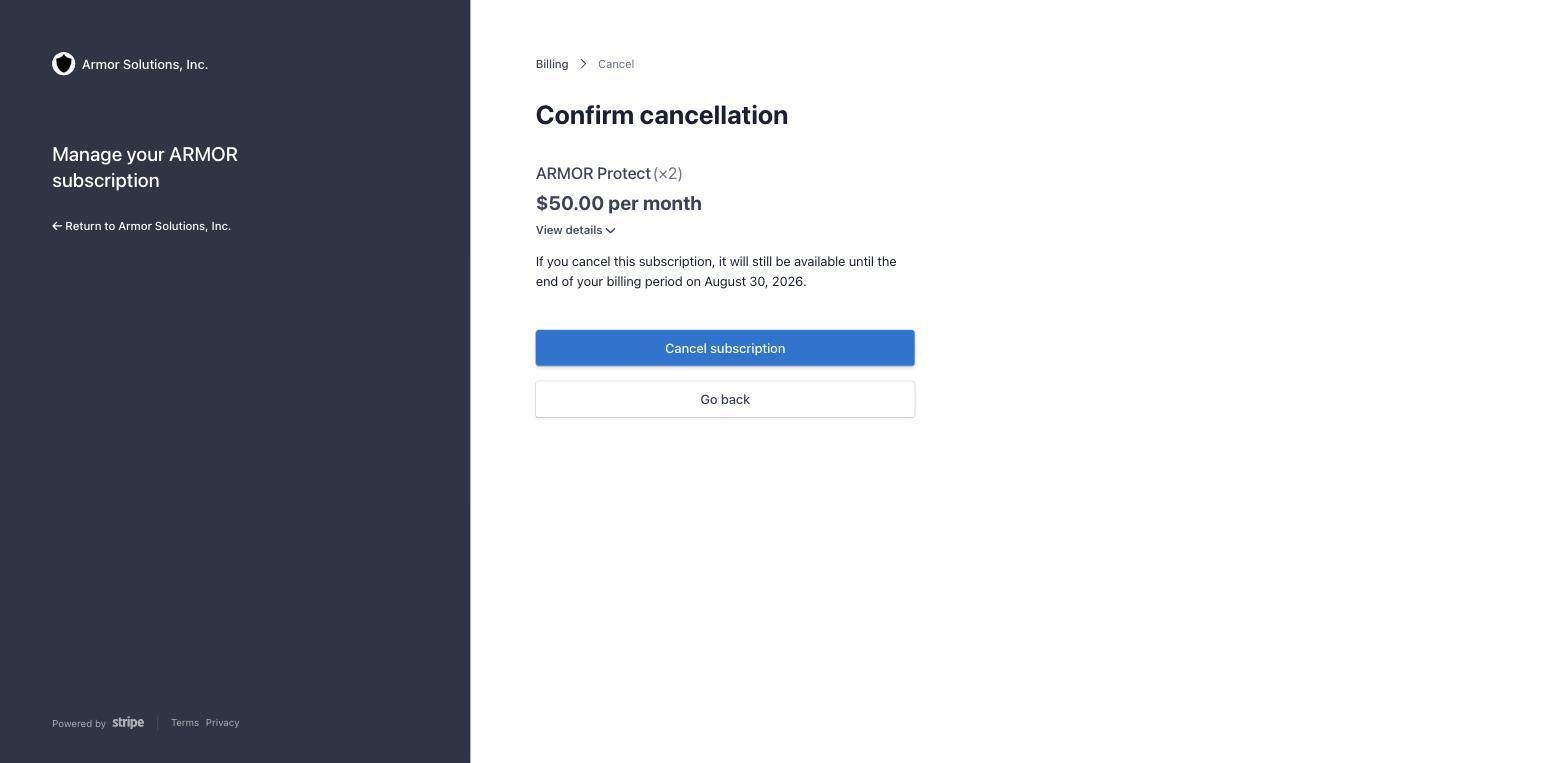
Before you cancel, we'd love the chance to understand what isn't working for you, just in case there's something we can fix. But if you're ready to move on, we'll process it without hassle.
Reputation reports are delivered via email every Monday, Wednesday, and Friday. If you have multiple numbers on your account, they're consolidated into a single report.
If you just signed up, you'll receive a welcome email confirming your number is active and receiving protection. Reputation reports begin on the next scheduled send day (Monday, Wednesday, or Friday).
Please check your account settings to make sure we have the correct email address.
Also worth double-checking your spam folder directly, that's the most common cause.
We begin each flag with the carrier’s required, entry-level (Level 1) remediation process. Level 2 remediation is available only for numbers that qualify on the strength of the ARMOR® Checklist you submit. We evaluate the checklist as submitted so the detail you provide determines whether the number qualifies. Numbers that qualify are escalated to the carrier with your call context. Numbers that don't qualify need calling-practice changes and a stronger checklist first.
Your status email shows whether Level 2 is underway for a given number.
Some flags cannot be remediated through the carrier's entry-level process because they are based on consumer responses to your calling behavior (volume, complaint rates, answer rates). The most effective path after a rejection is to address the underlying cause: confirm your Business Profile and number use cases accurately describe your calling, review your calling practices (consent, pacing, local presence rotation), and re-test the number.
Complete the ARMOR Checklist for Wanted Calls here
Once we receive your checklist, our team reviews your answers personally and follows up with one of three outcomes: we're ready to submit your case, we need a little more detail, or we have a recommendation on the best next step.
What Counts as a "Requested" Call?
A call counts as requested even if the person didn't contact you directly. If they filled out a form, responded to an ad, or inquired through a reseller or partner, that counts. What matters is that they expressed interest, regardless of who they expressed it to.
A cold call is a call that’s neither requested nor expected. For most Cold Callers, carriers are reluctant to agree that negative consumer feedback is incorrect as a basis for spam flag remediation.
Here is some actionable advice specifically for you: